
From creative concept to production: learn how to develop textile prints, choose the right printing technique and prepare traditional or AI-generated artwork for professional printing.
Creating a textile print involves more than designing attractive artwork. Brand identity, product application, fabric composition and printing technology all influence the final result.
At G47 Studio, we create custom textile prints and graphics for fashion and accessory brands, combining creative direction with technical knowledge to develop artwork suitable for production.
1. What Type of Textile Print Does Your Brand Need?
Different products require different print approaches.
Seamless Repeat / All-over Print
A design that repeats continuously across the fabric without visible interruptions. Commonly used for shirts, dresses, linings, handbags and accessories.
Repeat layouts include straight repeats, half-drop repeats and other arrangements.

Placement Print
Artwork designed for a specific area of a product, such as the front of a T-shirt, the back of a sweatshirt or a handbag panel.
Engineered Print
A print developed according to the dimensions, seams and construction of a garment or accessory, ensuring accurate graphic placement.
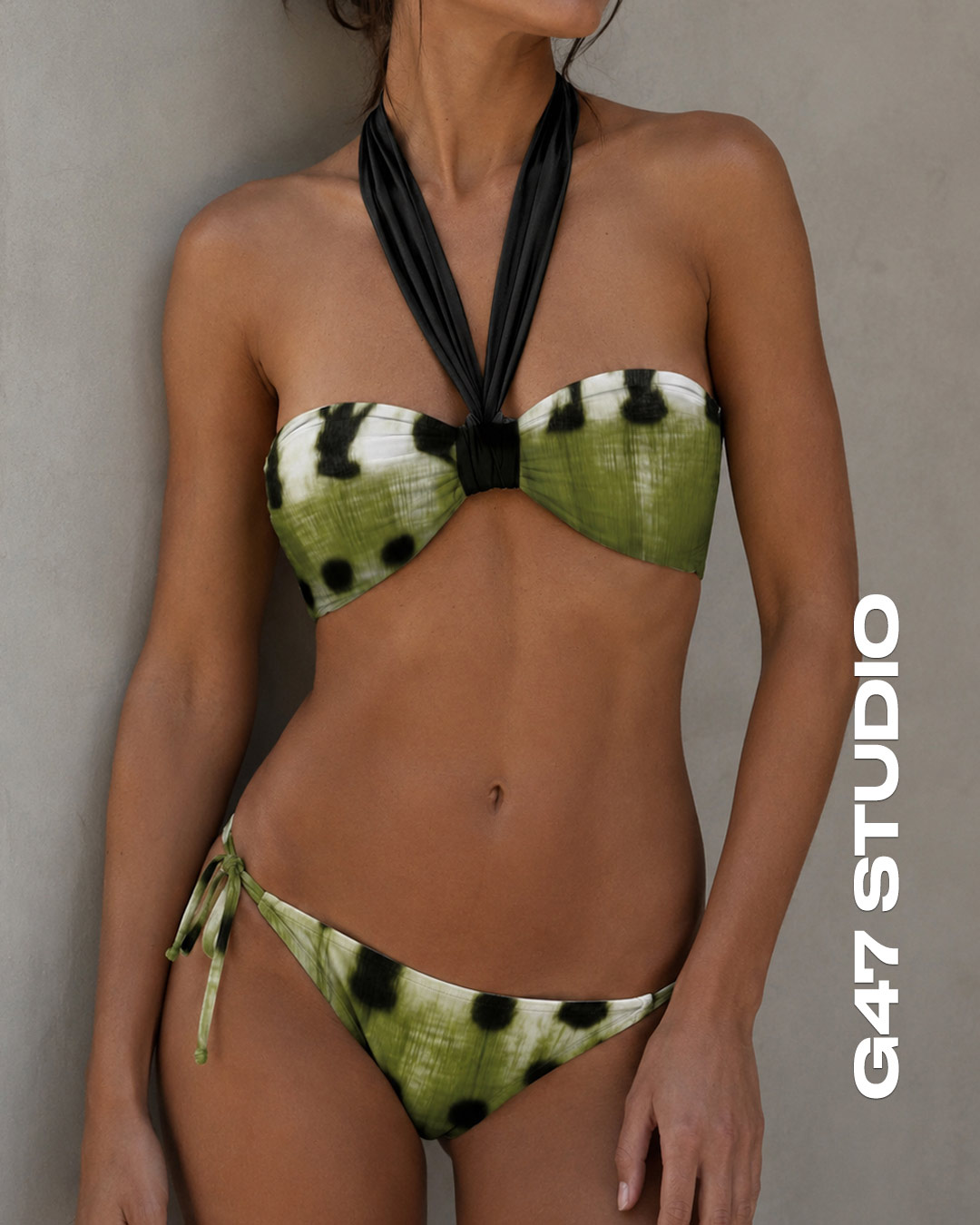
Border Print
Decorative artwork concentrated along the edges or selected areas of the fabric. Commonly used for scarves, dresses and accessories.

Coordinated Print Collections
A family of prints developed around a consistent creative concept, colour palette and visual identity.
2. Which Textile Printing Technique Should You Choose?
The most suitable method depends on fabric composition, artwork complexity, production volume and the desired finish.
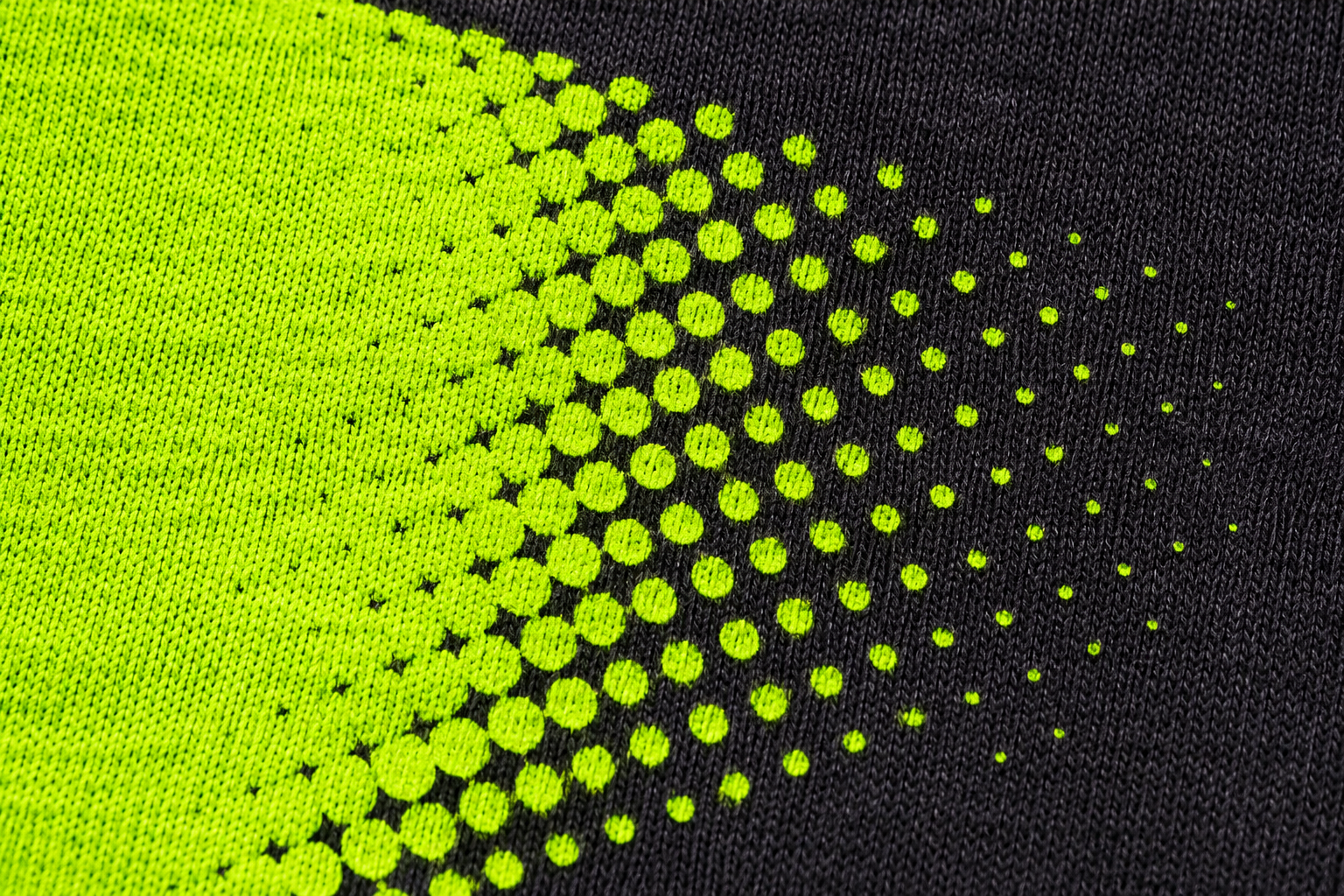
DTF — Direct to Film
Transfers digital artwork onto fabric using a specialised film, adhesive and heat.
Advantages: multicolour designs, compatibility with many fabrics, printing on light and dark garments, and flexibility for smaller production runs.
Limitations: large areas of ink and adhesive may create a stiff, plastic-like surface and reduce breathability.
G47 Studio tip: carefully prepared halftone patterns can help reduce solid print coverage, improving flexibility and ventilation through uncovered fabric areas. Dot size, white underbase and adhesive behaviour must be considered.
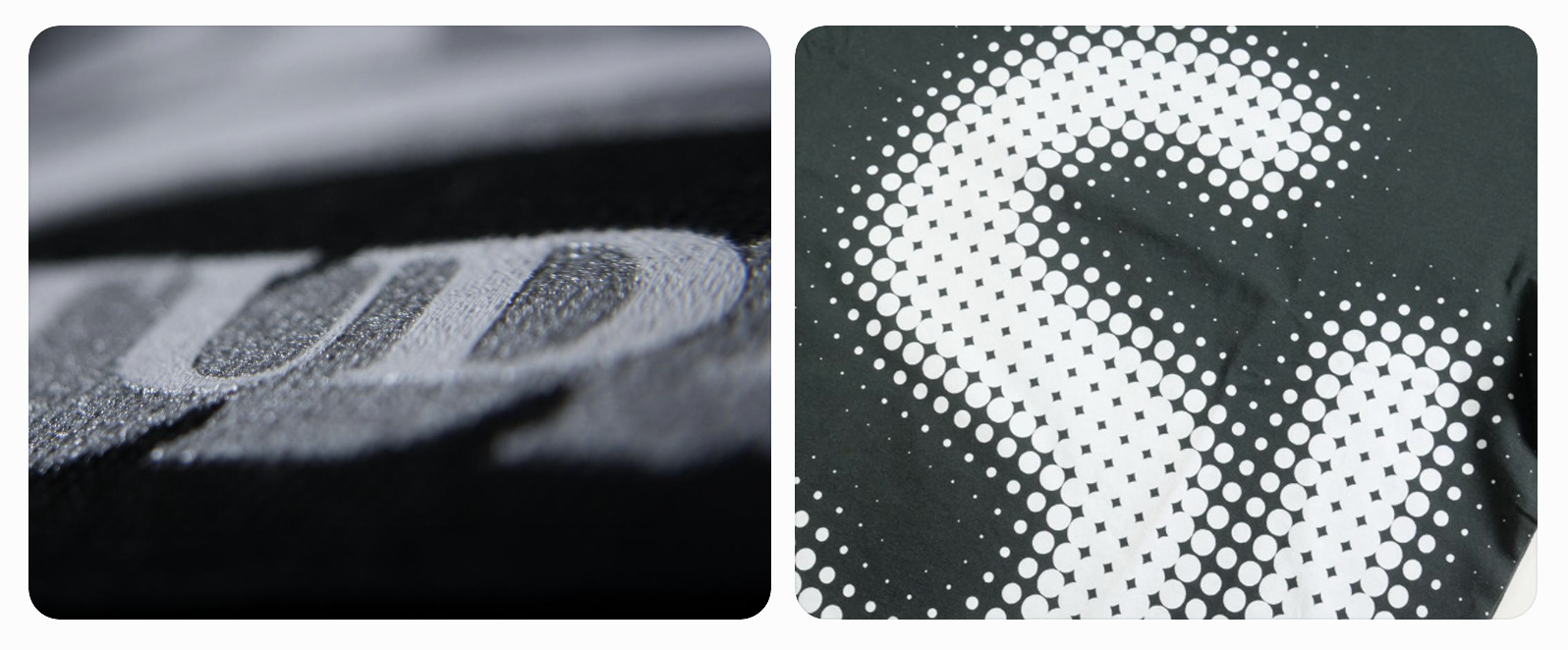
DTG — Direct to Garment
Prints directly onto garments, particularly cotton fabrics.
Advantages: detailed illustrations, photographs and potentially soft print finishes.
Limitations: dark garments usually require pretreatment and a white ink underbase. Fabric quality and curing affect the result.
Tip: always test the artwork on the intended garment before production.
Screen Printing
Uses prepared screens to apply ink to fabric.
Advantages: good durability and competitive unit costs for medium and large production runs.
Limitations: screen preparation, colour separation and potentially heavy ink coverage.
Tip: suitable water-based inks and halftone techniques can help achieve a softer finish.
Digital Textile Printing
Prints artwork directly onto fabric using ink technologies suited to different textile fibres.
Advantages: suitable for seamless repeats, all-over prints, gradients and multicolour collections.
Limitations: different fibres require compatible inks, and some processes need additional treatments.
Tip: confirm fabric composition and printing specifications before preparing final artwork.
Dye-Sublimation Printing
Uses heat to transfer dyes into compatible fibres, primarily polyester.
Advantages: excellent detail, virtually no surface ink film and preservation of fabric flexibility and breathability.
Limitations: conventional sublimation requires mainly polyester and works best on light-coloured materials. It is unsuitable for untreated 100% cotton and cannot reproduce light colours on dark fabrics in the conventional process.
Tip: white or light polyester generally gives the most vibrant results. Polyester blends with cotton or viscose may produce less saturated colours.
3. AI-Generated Artwork: How to Prepare Images for Textile and Commercial Printing
Artificial intelligence offers new possibilities for creative exploration, illustration, print development and visualising fashion collections.
However, AI-generated images are not automatically print-ready.
Image resolution, final print dimensions and colour preparation must be checked before production.
What Resolution Is Needed for Digital Textile Printing?
Digital textile printing requirements vary depending on fabric, artwork detail and printing equipment.
As a general guide, many projects use approximately 150–300 pixels per inch (PPI) at the final printed size, subject to the manufacturer's specifications.
Fine lines, small motifs and detailed artwork may require higher effective resolution.
What Resolution Is Needed for Editorial and Commercial Printing?
For catalogues, magazines, packaging and other close-viewed printed materials, 300 effective PPI at final print size is a common reference.
For example, a 3000 × 3000-pixel image can be printed at approximately 25.4 × 25.4 cm at 300 PPI.
Enlarging a small image too much reduces its effective resolution and may cause visible softness or pixelation.
Can You Increase the Resolution of AI-Generated Images?
Yes. AI upscaling tools can enlarge images and attempt to reconstruct missing detail.
However, upscaling cannot guarantee accurate recovery of the original information. It may introduce artificial textures, altered details or unwanted artefacts.
Always inspect the final image at its intended print size and approve a sample when necessary.
Should You Use Vector or Raster Artwork?
Vector artwork is ideal for logos, geometric graphics and illustrations that require clean scaling.
Photographs and complex AI-generated compositions are typically raster images and need sufficient pixel dimensions for their final application.
Automatically tracing a photograph into vectors does not necessarily improve print quality.
How Should AI-Generated Image Colours Be Prepared?
AI-generated images are commonly supplied in RGB.
Some textile printing workflows use colour-managed RGB files, while many commercial printing processes require CMYK output profiles.
The appropriate profile depends on the printing equipment, inks, paper or fabric, and the manufacturer's requirements.
G47 Studio tip: AI can accelerate the creative process, but professional artwork preparation remains essential. Resolution, proportions, colour accuracy and production specifications should always be verified.
4. How to Prepare Textile Artwork for Production
Before submitting files to a manufacturer, check:
- Scale: motif dimensions at actual production size.
- Repeat: accurate seamless pattern alignment.
- Resolution: sufficient detail at the intended print size.
- Colour: appropriate references and colour management.
- Product application: alignment with seams, panels and construction.
Commercial printing projects may also require bleed, crop marks and print-ready PDF files according to the printer's specifications.
Whenever possible, approve a physical printed sample before bulk production.
5. Frequently Asked Questions About Textile Prints, Printing and AI
What is the difference between a repeat pattern and a placement print?
A repeat pattern covers the fabric continuously, while a placement print is created for a specific position on a product.
What is the best printing method for T-shirts?
It depends on the fabric, design and quantity. DTF and DTG are common for smaller runs, while screen printing can be more economical for larger production volumes.
Why do some DTF prints feel stiff?
Heavy ink and adhesive coverage can create a thick surface layer. Halftone artwork can help reduce coverage and improve flexibility.
Can you sublimate on cotton or black fabrics?
Conventional dye-sublimation works mainly on light-coloured polyester. It does not bond properly with untreated pure cotton or produce light graphics on dark fabrics.
Can AI-generated images be used for textile printing?
Yes, provided they have adequate resolution at the final print size and are correctly prepared for the chosen printing process.
Is changing an image from 72 to 300 PPI enough?
No. Changing the resolution value alone does not add real image detail. Pixel dimensions and final printed size must be checked.
What resolution is needed for a printed fashion catalogue?
300 effective PPI at final size is a common recommendation for close-viewed imagery, subject to the printer's requirements.
Can I develop exclusive textile prints without having a manufacturer?
Yes. A textile design studio can develop the creative concept, patterns and artwork before selecting a manufacturing partner.
Custom Textile Print Design for Fashion Brands — G47 Studio
At G47 Studio, we help fashion and accessory brands develop custom textile prints, seamless repeat patterns, placement graphics and coordinated collections.
We combine creative direction, graphic design, emerging digital tools and product development expertise to create distinctive artwork suitable for manufacturing.
Developing a collection or looking for exclusive textile print designs?
Contact G47 Studio to discuss your project and request a personalised quotation.


